
What this guide is really about
Threads and Instagram share an owner, an Accounts Center login, and a confusing amount of overlap, and that's exactly why so many creators can't decide between them. Same family, very different jobs. One app is built for sentences.
The other is built for frames. This guide won't crown a winner, because there isn't one. It gives you a framework instead: five questions about how you actually create, a side-by-side of native posts, and sourced limits on formats, cross-posting, and workload. It's written for creators and small business owners deciding where their text-first effort should go. If you post words for a living, or want to, start here.
Threads and Instagram share a Meta login but do different jobs, so pick by what you make. Threads fits conversation and short text. Instagram fits images, video, and shopping. A practical default for text-first work is Threads as primary and Instagram as the visual secondary. Confirm with a side-by-side of format, audience, and production time.
The Same Parent, Different Jobs
Meta owns both apps, and the shared Accounts Center login makes them feel like one product with two skins. They're not. Threads was built as a public conversation network. The unit of work is a post you can type in under a minute, and the reward is replies, reposts, and people learning your name. Instagram was built as a visual sharing app. The unit of work is an image or a video, and the reward loop is watches, saves, and profile visits that turn into followers over time.
Scale is context, not a decision. Meta announced 500 million monthly active Threads users in June 2026. On September 24, 2025, Reuters reported that Mark Zuckerberg said Instagram had grown to 3 billion monthly active users. That is a CEO statement from 2025, not a 2026 census. A bigger app does not pick your format.
Here's where the two apps feel more tangled than they are. Threads and Instagram can be linked through Meta's Accounts Center, which shares your login and lets you hop between them. You can also set a separate Threads password or remove Threads from the Accounts Center entirely, per Instagram's own help documentation. That page also says Threads in Accounts Center is not available everywhere. Linked accounts, separate apps, separate audiences. Cross-posting is not a full mirror. Instagram's share-to-Threads help documents a mobile-only toggle for a photo or video, for that post or for future posts, and it says some posts cannot be shared. August 2024 reporting, confirmed with Meta, described the launch as image posts and not Reels. Use the share screen, not an old single-image rule. The other way, sharing a Threads post to Instagram is its own help topic, including adding a post to a story.
What doesn't transfer matters more. The Accounts Center help page documents a shared login. It does not document a follower-list transfer, so the two audiences stay separate graphs. The publishing APIs are separate, so a process built around one app doesn't automatically cover the other. Meta Verified for Threads is not a separate Threads subscription. Instagram's Meta Verified help says you subscribe on Instagram, and if Threads is in the same Accounts Center, the badge appears on Threads. Other benefits, such as enhanced support, do not carry. Treat them as two properties you manage with one login, where that link is available. That mental model alone prevents most of the confusion. So the honest framing is this: Instagram is where visual work belongs, and Threads is where words go to be discussed. If your real alternative is a different text-first network rather than a visual one, our Threads vs X decision framework covers that pairing in detail.
Format Economics: What You Can Actually Post
Format limits shape your week more than any feature list. For publishing through the API, the published API limits cap a text post at 500 characters, video at 5 minutes, and a carousel at 20 items, and they cap API publishing at 250 posts in a moving 24-hour window. That 250 figure is an API quota, not a limit on posting by hand in the app. Links in a Threads text post can be tapped, which matters if you write to send people somewhere.
Instagram flips the economics. Do not plan a carousel count from blog roundups. App and API limits have disagreed, the same way Reels length claims conflict and keep shifting, so check the composer before you lock a slide count or a duration. What doesn't conflict is the production math: a good Instagram post needs a shot, an edit, and a caption pass, while a good Threads post needs a thought and a keyboard.
That's the production-cost angle: text is cheap and visual is expensive. As an example, not a benchmark, a week of short text posts can fit in a couple of writing blocks, while a week of original photos or video can take a shoot and an edit. For help matching media to message, our guide on when to use images, video, and carousels on Threads breaks down which formats earn their cost. Budget the work you can actually repeat.
Audience and Reach: Who Sees Your Work
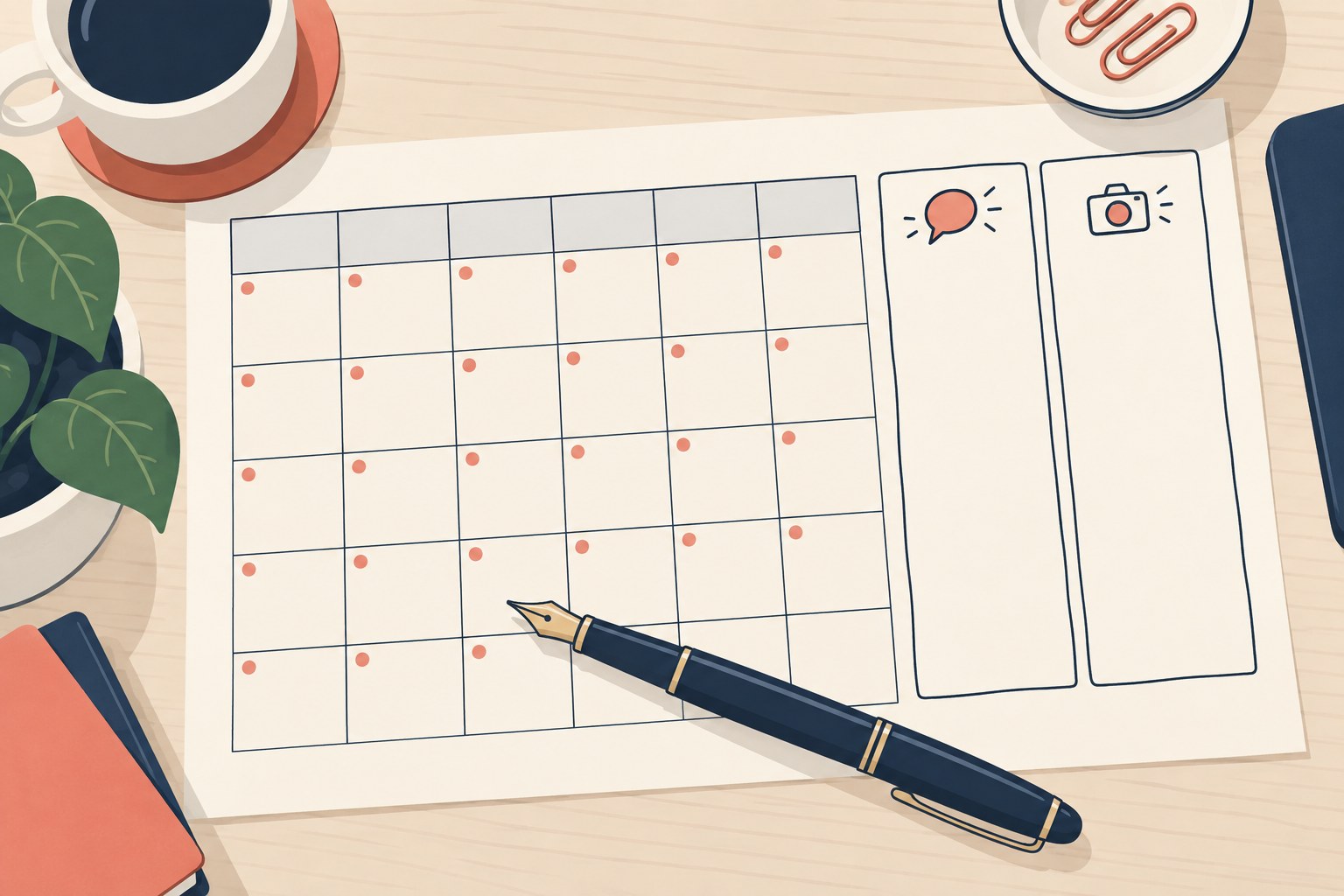
Reach works differently because the surfaces are different. Threads gives you a Following feed, a For You feed, and topic-based communities. In the June 2026 newsroom post, Meta introduced Your Algo, a setting to ask for more or less of certain topics for one, three, or seven days. That rollout started in the US, Canada, the UK, Australia, and New Zealand, so do not assume it is on every account. A practical test, not a ranking rule: reply-heavy posts are the ones worth repeating, and a quiet post is a sample, not a verdict. New accounts can still be shown to people who do not follow them. That is a reason to run the test below, not proof the feed will distribute your words.
Instagram discovery runs through Explore, Reels, and hashtags. A video can be shown to people who do not follow you. Treat that as a surface, not as proof that polish earns reach. The practical difference is production cost: those surfaces expect images and video, so the entry work is higher. Both apps also have direct messages, and for many creators that is where relationships continue after the feed.
The most common mistake is posting identical content to both apps and wondering why one side goes quiet. Each surface pays for native format. We cover the full playbook for cross-posting without sounding robotic in a separate guide, but the short version is simple: write the Threads post for Threads and the Instagram caption for Instagram, even when the idea is shared.
Cross-posting identical content to both apps, which reads as lazy on one and invisible on the other.
Picking your platform by monthly user counts alone, when scale doesn't post for you or fit your format.
Treating Threads as a minor Instagram addon instead of a separate network with its own audience and rhythm.
Ignoring production cost per post until week three, when the shooting schedule quietly kills the whole plan.
Abandoning one app at week two because the test felt slow, right before the pattern became readable.
Five Questions to Pick Your Primary
Answer these five questions in writing. Gut answers lie, and written ones don't. One: is your default instinct text-first or visual-first? If you think in sentences all day, that's a signal. Two: do you want conversation or broadcast? Threads is a room where people talk back; Instagram is more stage than room. Three: what's your production budget per post? If you cannot fund the shoot and the edit, a visual-first plan is the one that usually breaks first.
Four: where does your audience already live? If your readers are arguing on Threads every morning, meet them there instead of hoping they migrate. Five: are you DM-heavy or feed-heavy? If your work happens in inboxes more than on a grid, that changes which app pays off.
Read the pattern, not a score copied from another platform choice. If text, conversation, and a low production budget dominate, start with Threads and keep Instagram for visuals you already have. If your work is photos, video, or shopping, start with Instagram and use Threads for the conversations those posts spark. A split means you do not have a primary yet. Run the side-by-side below before you buy gear or hire for a second feed. Monthly user counts are not an answer. They do not post for you.
Test the Work, Not the Crowd
Run both apps for the same stretch, with the same ideas, and write down the work as well as the response. On Threads, use the Insights fields the product shows: views, interactions, and followers. On Instagram, use native insights for the closest equivalents. Do not add a saves or profile-visit column if that screen does not show it. Also note hours spent. A visual post that wins on views but takes a full shoot is a different result from a text post you can repeat.
Post a native version on each app. Do not judge either app by a cross-post. If the Instagram share toggle refuses a Reel or carousel, that is a tooling limit, not a reach result. Halfway through, keep the format you can sustain and stop the one that only works when you force it. One strong day is not a pattern.
At the end, pick the app you will still feed next month. If one app is easier to sustain and earns more replies from the people you want, that is your primary. If they are close, keep the app that matches the questions above and make the other secondary. If both are quiet, fix the posts before you blame the channel. For a deeper read on what each metric means, our Threads analytics explained guide covers views, interactions, and followers in detail.
Workload Systems for Running Both
Running both apps well is a systems problem, not a willpower problem. A workable system has three habits. First, batching: they write a week of Threads posts in one sitting and shoot a week of Instagram content in one session, instead of deciding at posting time. Deciding and creating are different mental tasks, and splitting them removes most of the daily friction.
Second, a queue. Nothing gets published live unless it's reactive. Evergreen thoughts sit in a queue and drip out on schedule, which keeps both apps alive during a heavy client week or a vacation. Third, adaptation discipline. A queued piece still gets a per-app pass: the Threads version gets a hook and a question, while the Instagram version leads with the visual and a caption that works without context. A cloned post often looks native on neither app. Write the Threads version for replies and the Instagram version for the visual.
The tooling should be boring. JoltSage's Threads scheduler queues approved Threads posts through the official Threads API. It does not schedule Instagram. Use it for the Threads side, and keep Instagram on its own workflow. Two lists are enough for Threads: ideas and scheduled. Anything more elaborate tends to collapse within a month.
Threads vs Instagram for Business
Businesses face a sharper version of this choice because money and staff time are attached, and the split is cleaner than for creators. Instagram is the storefront. Threads is the front desk. Product tagging, shopping, and polished brand posts live on Instagram. That is where a visual catalog belongs. It is not proof every customer looks there first. It's also where a small business broadcasts: launches, sales, and portfolio work.
Threads carries the relationship. Support conversations, quick answers, and the day-to-day voice of the business work better as text. A bakery answering questions about today's flavors within minutes, a consultant sharing a lesson from this morning's client call, a shop thinking out loud about next month's products: that's Threads work. The community you build there knows your name, not just your logo.
Most small businesses should run Instagram as the primary commercial channel and Threads as the presence channel, and staff them accordingly: one person shoots, one person types. Before you commit either way, run our Threads for business presence check to find your gaps. And if Facebook is also on your shortlist, the same five questions apply, with extra weight on where your customers already spend their attention.
Action checklist
Use this as the practical next pass after reading the guide.
- +Write honest answers to the five questions before choosing.
- +Check where your audience already lives before committing budget.
- +Log views, interactions, followers, and hours on both apps for the same stretch.
- +Set an end date before you start, and honor it.
- +Batch a week of content per app instead of deciding daily.
- +Adapt every cross-post to its app instead of cloning it.
Conclusion
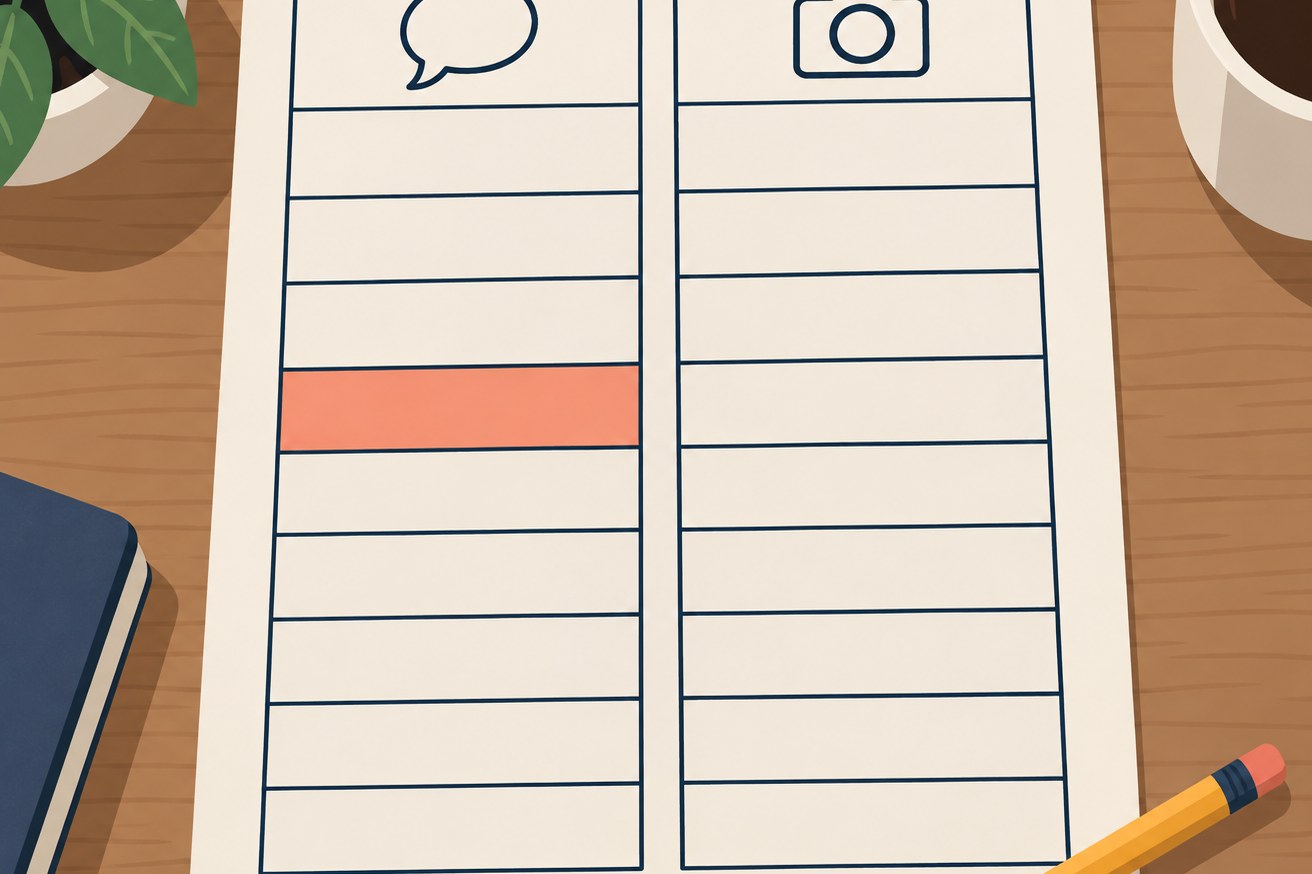
There is no universal winner between Threads and Instagram. There is fit: what you make, where those people already respond, and what you can produce again next week. Answer the five questions in writing. Then run the side-by-side on native posts, and log views, interactions, followers, and hours. Use that record to name a primary. Do not lock the choice from a user-count headline or from a cross-post the other app only half accepted.
After that, put the decision on a calendar and revisit quarterly. Both apps change fast, and your answers will drift as your work evolves. A creator who was visual-first last year may be text-first this year. The goal isn't being on the right app anyway. It's having a primary you'll actually feed and a secondary you're honest about. Pick, test, revisit. That's the whole framework.
Frequently asked questions
What is the difference between Threads and Instagram?
Threads is a text-first conversation app where a standard text post runs up to 500 characters, with replies and discovery driven by discussion. Instagram is a visual app built around photos, video, and carousels, with discovery surfaces such as Explore and Reels. They share an owner and an account system. The content, the audience, and the daily workload differ.
Is Threads part of Instagram?
Linked, but not one app. Threads can connect to your Instagram account through Meta's Accounts Center, which shares your login. You can set a separate Threads password or remove that link. Instagram's help also says Threads in Accounts Center is not available everywhere. Think sibling apps, not one app with two tabs.
Do Threads followers transfer to Instagram?
No. Instagram's Accounts Center help documents a shared login, not a follower-list transfer, in either direction. A cross-post can point people at the other profile. It does not move the list. Plan growth separately.
Can you post from Instagram to Threads?
Yes, with limits. Instagram's help documents a mobile-only toggle for a photo or video, either once or for future posts, and it says some posts cannot be shared. August 2024 reporting, confirmed with Meta, said the launch covered image posts and not Reels. Use the share screen rather than an old single-image rule. The other way, Instagram's help includes adding a Threads post to a story. For anything richer, adapt each post to its app.
Which is better for business, Threads or Instagram?
Most small businesses do best running both with clear roles: Instagram as the commercial channel for shopping, launches, and polished brand presence, and Threads as the conversation channel for support, community, and daily voice. If you sell visual products, lean Instagram primary. If you sell expertise, Threads can lead. If Facebook is also on your shortlist, the same five questions apply, with extra weight on where your customers already are.
Threads vs Instagram vs Facebook: how do the three compare?
Facebook is the broad network: groups, events, and Marketplace. Instagram is Meta's visual app, and Threads is its text conversation app. A practical split is Facebook for community infrastructure, Instagram for visual posts, and Threads for daily written conversation. If you only have capacity for two, the five questions above decide which pair fits. This article does not pick a winner from user counts.
How many users do Threads and Instagram have?
Meta announced 500 million monthly active Threads users in June 2026. On September 24, 2025, Reuters reported that Mark Zuckerberg said Instagram had grown to 3 billion monthly active users. That is the CEO statement this article relies on, not a 2026 census. Instagram is larger. Scale still does not pick your platform.